Find Your Perfect S3 Storage Class
Maximize Savings and Performance on AWS S3! 🚀
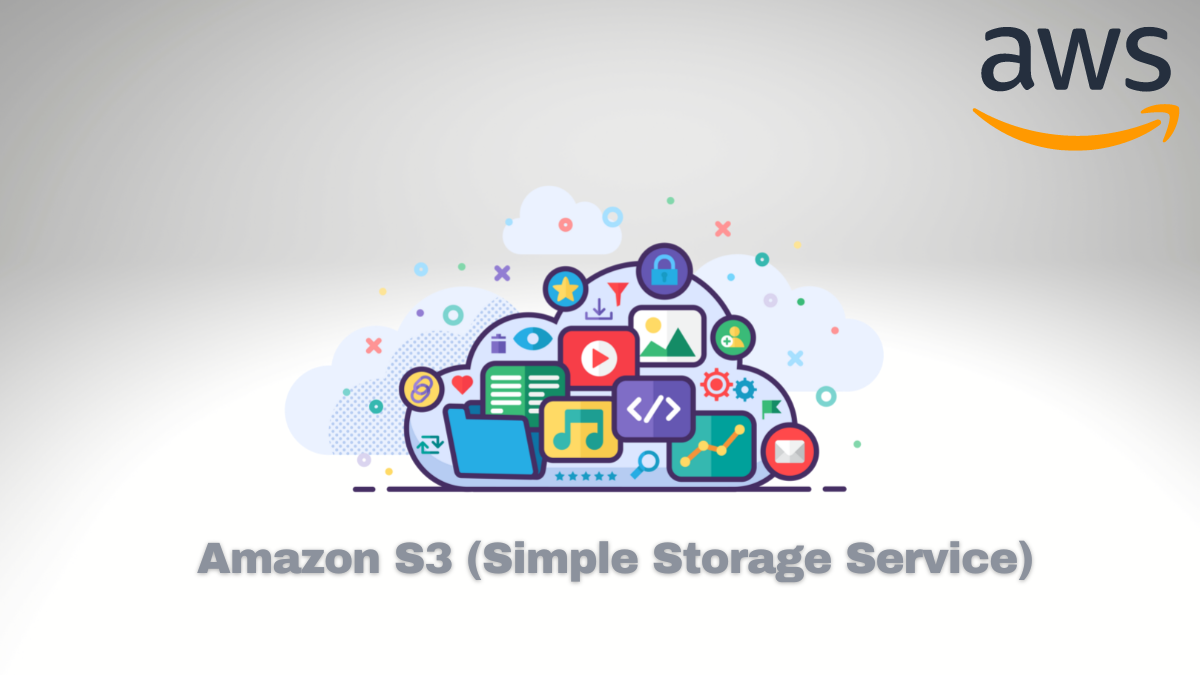
Choosing the right AWS S3 storage class can save you time , money and hassle. But with so many options—S3 Standard, S3 Intelligent-Tiering, S3 Infrequent Access, S3 One Zone-IA, S3 Glacier, and S3 Glacier Deep Archive—how do you decide? 🤔
Here's a breakdown to help you choose the best fit for your data storage needs!
S3 Standard
Everyday Storage for Frequently Accessed Data If you need quick, consistent access to your files, S3 Standard is the way to go.
Think of it like your go-to storage for dynamic, high-demand data—perfect for websites , mobile apps 📱, and big data analytics.
S3 Intelligent-Tiering
Not sure how often you'll need to access your data? S3 Intelligent-Tiering is your smart choice. It moves files between frequent and infrequent access tiers based on usage patterns, saving costs without manual effort.
Automatically Saves Costs for Variable Access
S3 Infrequent Access (S3-IA)
For Data You Access Less Often
S3-IA is ideal for files you don’t need every day but still want fast access when you do. It's cost-effective for less frequently accessed data that still needs high availability and resilience.
Lower storage cost than standard S3, but higher retrieval fees.
S3 One Zone-IA
Good for non-critical data that doesn’t require high availability.
Ideal for data that is infrequently accessed but can be lost without severe consequences.
Lower cost for storage compared to S3-IA, with lower retrieval fees.
It offers lower storage costs than standard S3 storage but stores data in a single Availability Zone, which makes it less durable compared to multi-zone storage options
S3 Glacier
Best suited for scenarios where data needs to be retained for a long time, accessed infrequently, and stored cost-effectively. It’s ideal for archiving, backups, and compliance needs while ensuring data durability and security.
Use Glacier to back up critical data at a lower cost compared to standard storage classes. This is ideal for recovery purposes after data loss or corruption.
Low-Cost Archival Storage for Long-Term Data
S3 Glacier Deep Archive
When you have data that you’ll probably never need to access, but must retain for years (or decades), S3 Glacier Deep Archive is the solution. Retrieval time can be 12 hours or more, but the storage cost is the lowest.
Lowest-Cost Storage for Rarely Accessed Data